

A while back, I started experimenting with AI virtual personas. In my last Substack entry, I talked about the democratization of content and brand influencers through generative AI and how tools like ComfyUI can make this possible locally.
I kept on running experiments and showing that to people, one day I had a conversation with my friend, he runs a marketing agency for DTC brands, and he needed some creatives for Black Friday.
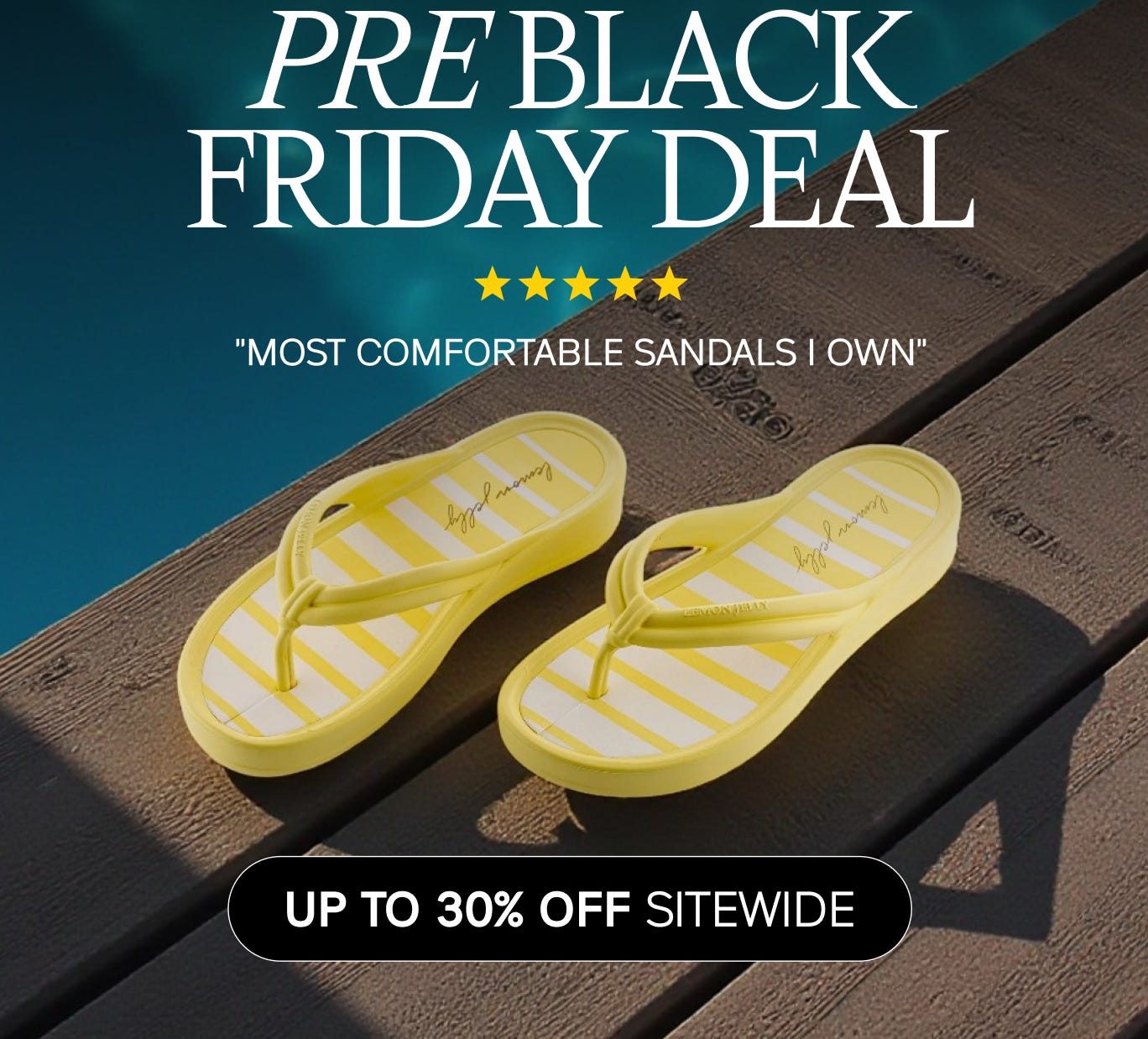
Here’s the situation:
A marketing agency needed a full UGC campaign for a clothing brand…
But there was no creator content, no shoots scheduled, and no time to source influencers.
So instead of chasing creators…
I created them.
Using AI-generated models and virtual try-on tools, I produced branded UGC featuring real pieces from their collection modeled by influencers that don’t exist.
No shipping logistics.
No reshoots.
No scheduling headaches.
Just fast, scalable, perfectly-on-brand content.
In this post, I’m breaking down exactly how I did it:
- the creative strategy
- my AI workflow (quick + repeatable)
- tools I used
- delivery format + results
- what we learned for future campaigns
The goal?
Show how AI is rewriting the rules of UGC, turning one brand shoot into hundreds of customizable, high-conversion assets.
The creative strategy
I knew I needed the real products to appear on every shot for the Ad to work, I started researching online how to achieve this with current tools and tech and if I could do this locally without subscriptions.
I also researched the brand and the campaigns they ran in the past, so I can have the look and feel of the brand itself. Since the campaign was for Black Friday, I looked at previous ad creatives from last year (2024) to understand the vibe they were going for and how the type of shots they were using, I made sure I followed brand guidelines, exact color palettes, fonts and graphics they normally use.
With this done, I started creating a concept. In my head, I could see a young woman on a cloudy day in a European village wearing the winter boots and the bag the brand is known for.


Once I had the layout and the types of shots needed, I picked my tools and started creating draft images to then later turn into videos.
Tools I used
For this project I used: ComfyUI, Midjourney and Freepik
ComfyUI
Purpose in the project:
To generate the hyper-realistic model face used across the campaign.
With ComfyUI’s node-based control, I could dial in realism, refine facial features, maintain identity, and produce a consistent human look that feels believable in UGC-style content.
Result: A high-fidelity, photoreal base model ready for styling and outfit variations.
Midjourney
Purpose in the project:
To maintain identity consistency while generating the model in different outfits, poses, and settings.
Using Midjourney allowed me to:
✔ Keep the same model face across all shots
✔ Explore multiple looks and camera angles
✔ Produce social-native lifestyle shots quickly
Result: A full library of variations optimized for brand storytelling and ad testing.
Freepik AI
Purpose in the project:
To apply actual merch from the clothing brand onto the AI model.
With Freepik’s virtual try-on tools, I ensured:
✔ The clothing was accurate to real products
✔ Fabric details and fit looked authentic
✔ The visuals aligned with the brand catalog
Result: Fully-branded creatives that look like real influencer content without shipping samples or scheduling shoots.
Why this pipeline worked
A hybrid workflow that combined:
→ ComfyUI for realism
→ Midjourney for scalable variations
→ Freepik AI for brand accuracy
This let us deliver a complete creator-style ad campaign in a fraction of the time, no human influencers needed (yet).
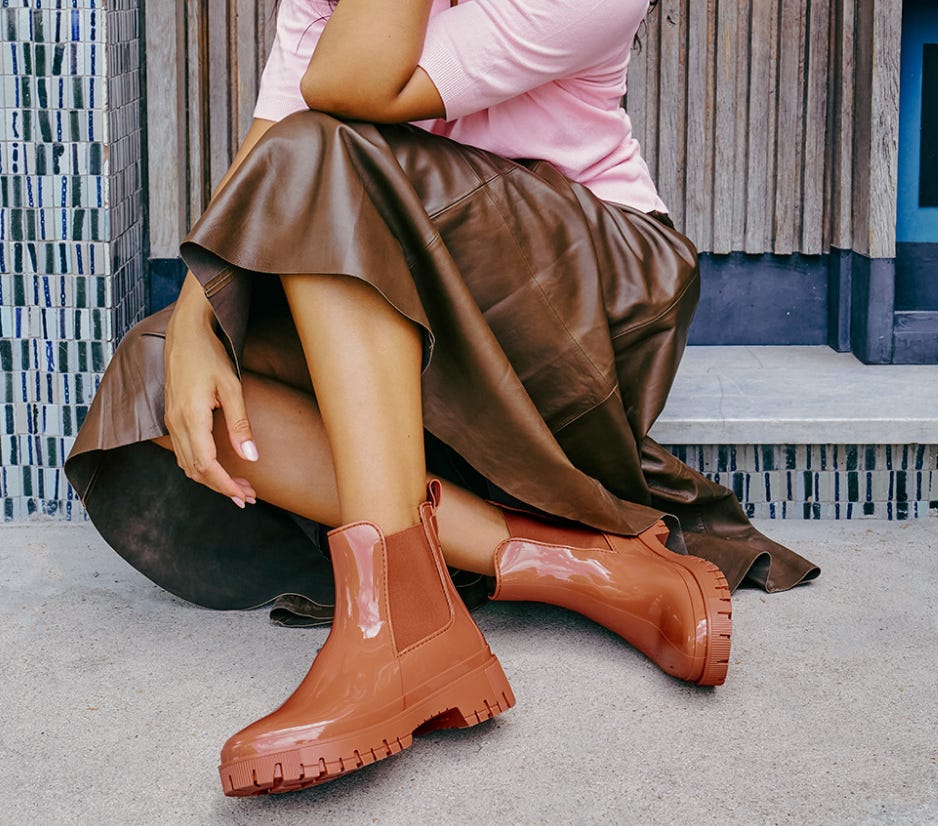
My workflow
For creating the model face, I used ComfyUI with a custom prompt, specific values and LORAs to achieve the most realistic look I could.
A couple of iterations later, I had my model. Then I would bring the model to Midjourney to generate images of the model with a pair of random boots and a random bag first, (later I will swap these for the original product shots) and then I used a tool called Freepik to put the brand boots and bag to that specific picture Midjourney generated.
After I was happy with the initial pictures I downloaded them and upload them to midjourney, but this time I used them as reference to create a video.
The good thing about Midjourney is that it gives you 4 variations every time you write a prompt and hit on generate. Like this I made sure I was using the best takes for the final project.
I repeated the same steps over and over again, playing with prompts and real life references from screenshots from previous campaigns.
At the end, I ended up with this.
Still not perfect but I’d say good enough for a piece of creative you can test as an ad.
And that’s the point.
We now have the ability to produce:
On-brand creator content
Without creators
In hours, not weeks
This project proved something important:
AI isn’t replacing human creativity; it’s removing the bottlenecks that slow creative teams down. Brands can validate ideas faster, iterate more, and launch without hesitation.
As AI try-on, motion, and identity-continuity tools evolve, brand UGC will shift from a human-dependent workflow to a hybrid production system where AI handles the heavy lifting, and creators focus on storytelling.
If you’re a marketer, founder, or creator… pay attention.
AI-generated UGC isn’t a future trend, it’s a competitive advantage today.